

PAN-Aadhaar Link Online 2025: How to Link PAN Card with Aadhaar – Complete Step-by-Step Guide
⚠️ Important Notice: If you are unable link your Aadhaar card to your PAN card by 31st December 2025, then your PAN card will become inoperative, which can freeze your bank account or DMAT account, and you may have to face many financial problems.
In today’s article, I will show you how to check the status of PAN-Aadhaar linking. If your PAN card is not at all linked to Aadhaar, how can you link it online? I will outline the step-by-step process in this article.
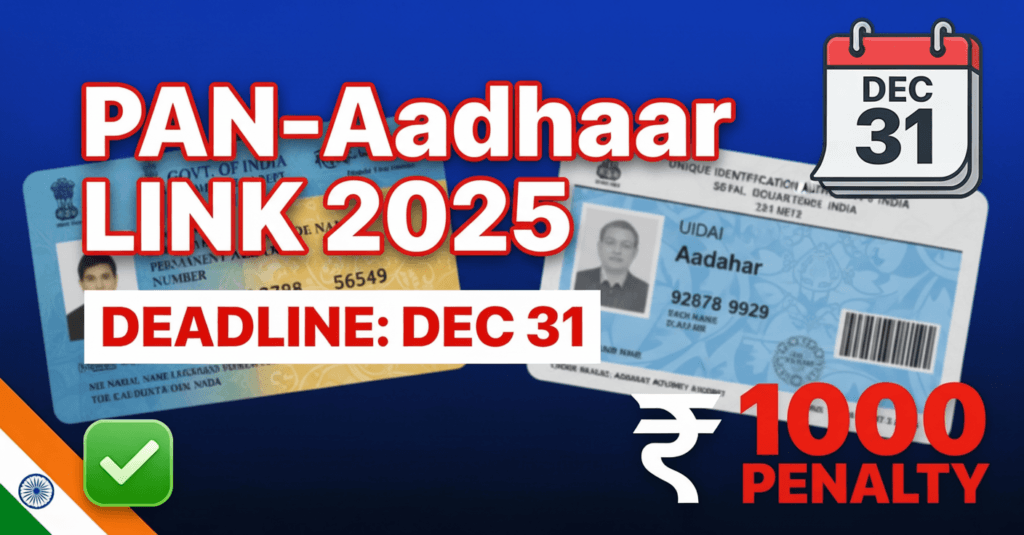
What is PAN Aadhaar Link?
There is an official Income Tax notice stating that your PAN should be linked to Aadhaar. There is a step for this: an online process and a simple method, which I will tell you in this article. So don’t skip the article even a little. So let’s know.
If your PAN card suddenly stops withdrawing money from the bank and you cannot file your ITR, only one thing will be responsible: your Aadhaar-PAN linking. Is your PAN linked to Aadhaar? If it is not, you must do it. Watch the article till the end, because this small mistake can deactivate your PAN.
The deadline is 1st December. If we talk about this, a penalty of 1000 rupees can also be imposed, as you can see on the screen.
How to Check PAN-Aadhaar Linking Status
So let’s start the article. First, you need to open the Income Tax website.
Step-by-Step Process to Check Status:
- Open the official Income Tax website
- As soon as you scroll down the quick links on the left-hand side, you will see an option: Link Aadhaar
- Before linking the PAN card to Aadhar, you will see another option here: Link Aadhar Status
- From this option, you can find out if your Aadhaar is already linked to your PAN card
- Click on Link Aadhar Status to be directed to the next screen
- Enter your PAN number
- Enter your Aadhaar number below
- Click the View Link Aadhaar Status option below
Understanding the Status Messages:
- If your PAN card is not linked to your Aadhaar, you will see a message: “PAN note linked with Aadhaar.”
- If your PAN card is already linked to your Aadhaar, you will receive a message: “PAN is already linked to Aadhaar number.”
How to Link PAN with Aadhaar – Step-by-Step Process
Initial Steps:
- Go to the homepage and click the Link Aadhaar option
- Or you can click the Link Aadhaar option from Quick Links
- On the next screen, fill in your PAN number
- Enter your Aadhaar number below
- Click on the Validate option below
- A message box will open
- You will see a message: “Payment details not found for this PAN.”
- You have to make the payment to link the PAN card to Aadhaar
- To move forward and complete the payment, click the Continue to pay through eBay tax option
Payment Process
Payment Details Entry:
- On the next page, fill in your PAN number again
- To confirm, please enter your PAN number again
- Below, enter your currently active mobile number
- Click on the Continue option
- An OTP will be sent to your mobile number
- Enter the OTP here
- Click the Continue option again
- After that, click on the Continue option again on the next page
Payment Configuration:
- Click the Income Tax option
- Click on the Proceed option
- On the next page, you will first see the option to select the assessment year
- Select the latest assessment year (2026-27)
- Choose the Other Received option in the Type of Payment Minor Head
- Scroll down
- Choose the first option in the Subtype Payment: Fee for Delay in Linking PAN with Aadhar
- Click the Continue option
Fee Payment:
- You will see the Fee for linking PAN with Aadhaar on the next page
- It comes here automatically calculated
- You have to pay a fee of ₹ 1000
- Click the Continue option to move forward
Payment Method Selection:
On the next page, you will see many payment options:
- Net Banking
- Debit Card
- Pay at Counter
- RTGS
- NEFT
- UPI
Choose the payment method you want to use and click on the Continue option below.
Completing the Payment:
- On the next page, click Pay Now below
- You will see the Terms and Conditions here
- Accept their Terms and Conditions
- Click on the Checkbox here
- Click the Submit to Bank option
- You will be redirected to the Payment Portal
- From here, you can pay the fees
- As soon as you complete the payment, you will see a confirmation screen
- If you want to download the challenge copy of this payment, click Download
- For future reference, please download the challenge copy
Completing the Linking After Payment
Final Steps:
- Return to the homepage or click on the Link Aadhaar option
- On the next page, enter your PAN number and Aadhaar number again
- Click the Validate option
- A message box will appear with the details of the payment you have made
- Click on the Continue option
- On the next page, fill in your name
- Remember, this name must match your Aadhaar
- Enter your mobile number
Aadhaar Details Verification:
You will see some options below:
- The first option is: “I have only my year of birth on my Aadhaar card”
- Those who have only the year of birth printed on their Aadhaar card have to choose this first option
- Otherwise, you have to leave it unticked
- The second option is: “I agree to validate my Aadhaar details”
- Everyone has to choose this option
- After that, click the Link Aadhaar option below
OTP Verification:
- You will get an OTP on your mobile number
- Enter the OTP here
- Click on the Validate option below
✓ Success: You will see that the request to link your Aadhaar to your PAN card is successfully submitted. A message like this will appear in front of you. Within 48 hours of submitting the request, your Aadhaar is linked to your PAN card.
Alternative Method: SMS-Based Linking
Online Process via Website:
- First, you need to go to the official Income Tax website
- Open the Chrome browser
- Navigate to tax.gov
- Click on the income tax department
- You will see the quick links
- Click on the Aadhaar link below
- The website will open
- Enter your PAN number
- Enter your Aadhaar number
- Click on Validate
- Your mobile number registered on Aadhaar will be submitted
- A pop-up will show whether your Aadhaar is linked
- If it is linked, it will show as linked; if not, it will show as not connected
SMS Method:
In the SMS method, you can link your Aadhaar with your PAN card without visiting the website:
- Open the SMS box on your mobile
- Type: 5678 5678 on 161 UID PAN [your Aadhaar number] [your PAN number]
- Send the SMS
- After some time, a confirmation message will come
- Your Aadhaar will be linked with the PAN
Verification of PAN-Aadhaar Linking
After completing the linking process, you have to check the status of your PAN card and Aadhaar card link again.
How to Verify:
- Go to the homepage of the Income Tax website
- Use the Link Aadhaar Status option
- When your PAN card is linked to your Aadhaar, you will see a confirmation message
- This confirms your linking is successful
Conclusion
Friends, you can link your Aadhaar card to your PAN card very easily online. If you liked the article, then please like it and don’t forget to send it to your friends. Thank you for now. We will meet again with the following article. All the best.